Samsung has officially launched Samsung Browser for Windows, marking a significant expansion beyond mobile platforms. This isn't simply a desktop port of the mobile browsing experience—it introduces sophisticated cross-device synchronization capabilities alongside an integrated AI assistant designed for practical productivity gains.
Continuity browsing to help keep your tabs in check
The Windows iteration of Samsung Browser implements true session continuity between your Samsung smartphone and PC. This goes beyond traditional bookmark or history synchronization—it enables seamless resumption of active browsing sessions across devices, maintaining your exact position on any given webpage.
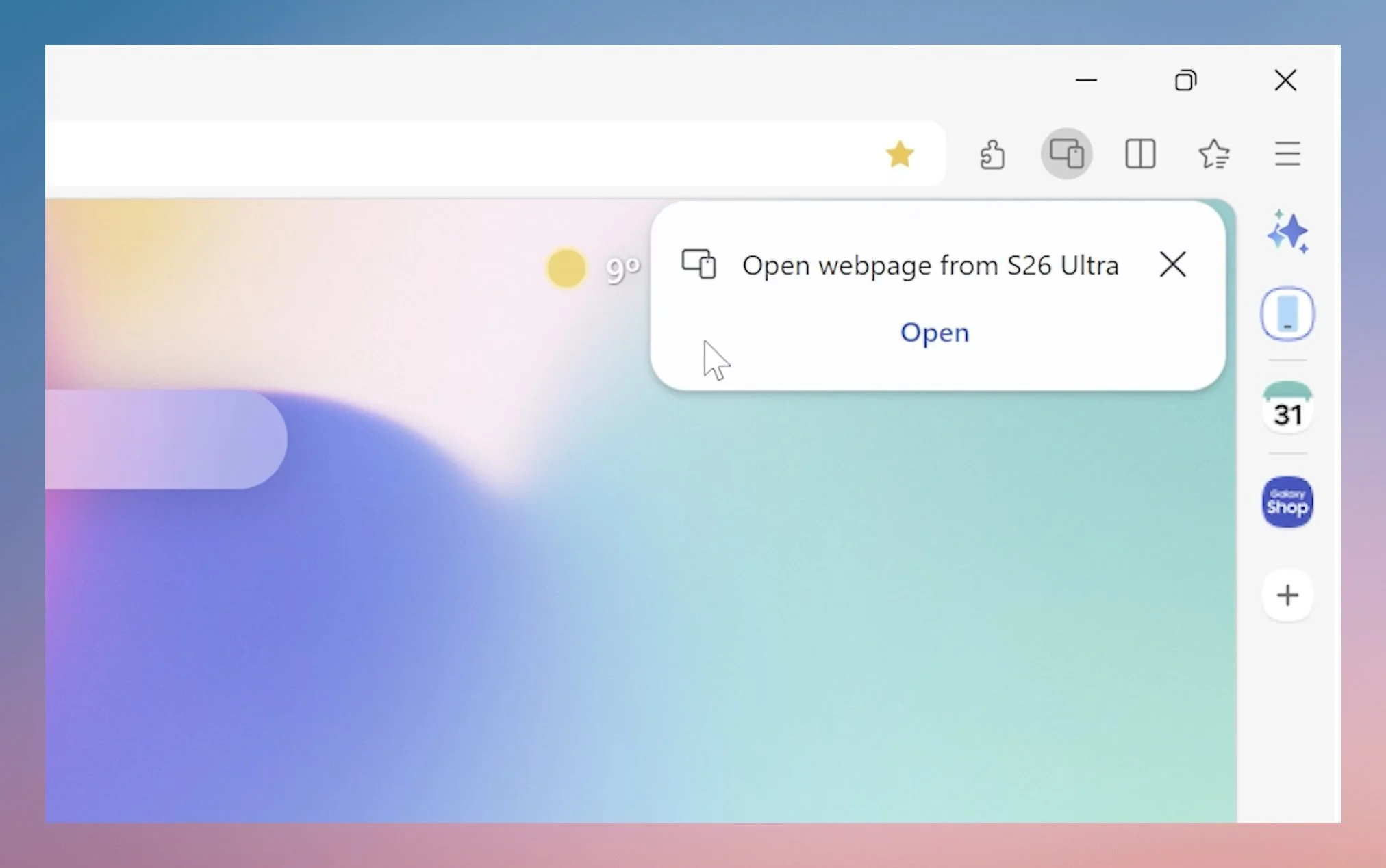
The practical benefit is straightforward: eliminate redundant tab management across your device ecosystem. Begin researching on mobile during your commute, then transition seamlessly to your desktop workstation without manually recreating your browsing context. The workflow operates bidirectionally, adapting to however you move between devices.
Samsung Pass integration extends this continuity to authentication workflows, enabling unified credential management and autofill functionality that operates consistently whether you're on mobile or desktop.
What about all the AI features?
The browser's AI capabilities represent the more compelling aspect of this release. Samsung has integrated an assistant powered by Perplexity, implementing functionality that extends considerably beyond basic query responses.
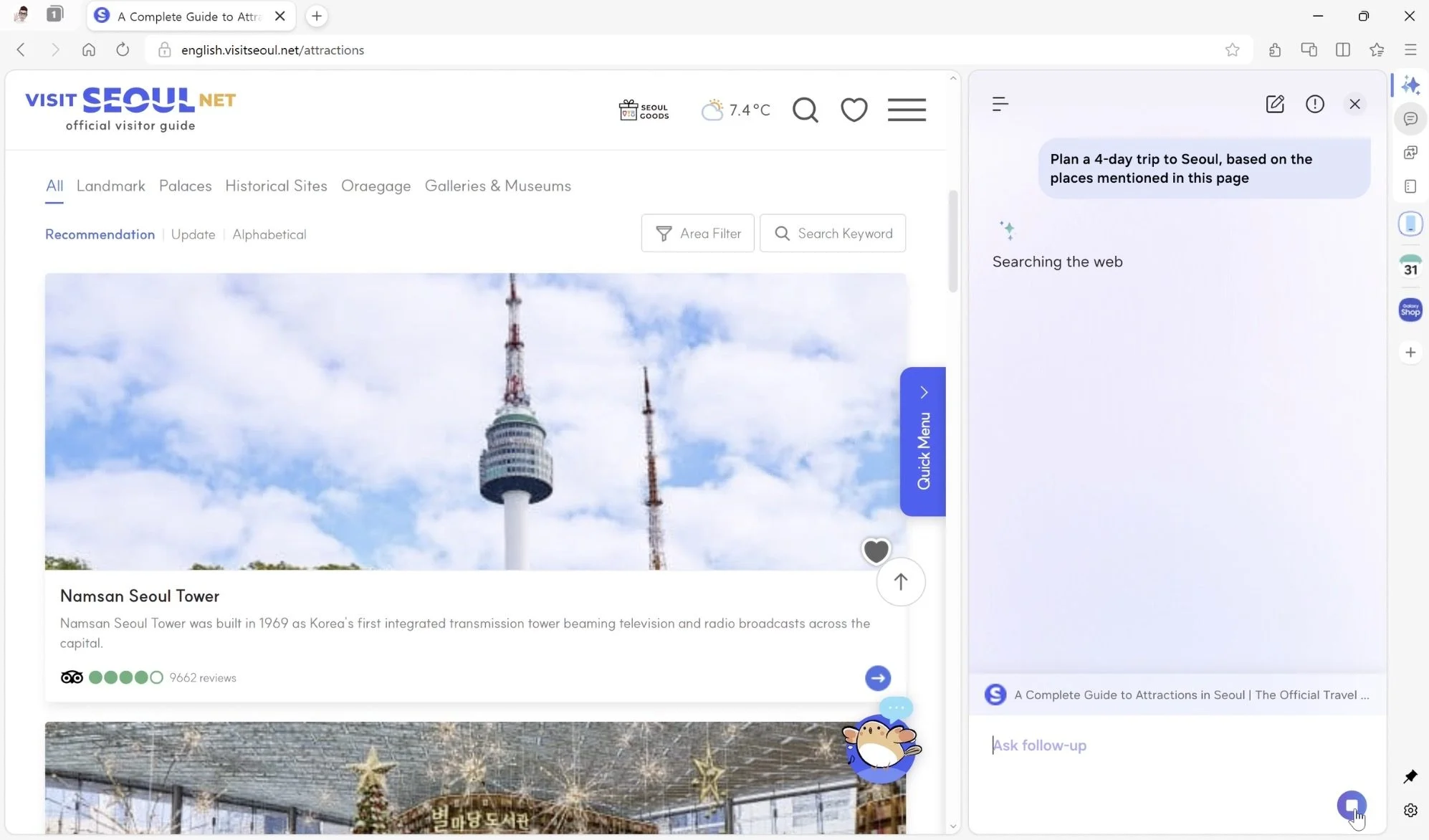
The assistant maintains contextual awareness of your current webpage content. Consider a scenario where you're researching travel destinations in Seoul with relevant pages open—you can prompt the assistant to generate an itinerary, and it will parse the visible content to construct a customized plan based on the information already displayed.
Video content analysis is equally supported. Rather than manually scrubbing through lengthy videos to locate specific segments, you can describe the information you need and the assistant will identify the relevant timestamp, eliminating tedious manual navigation.
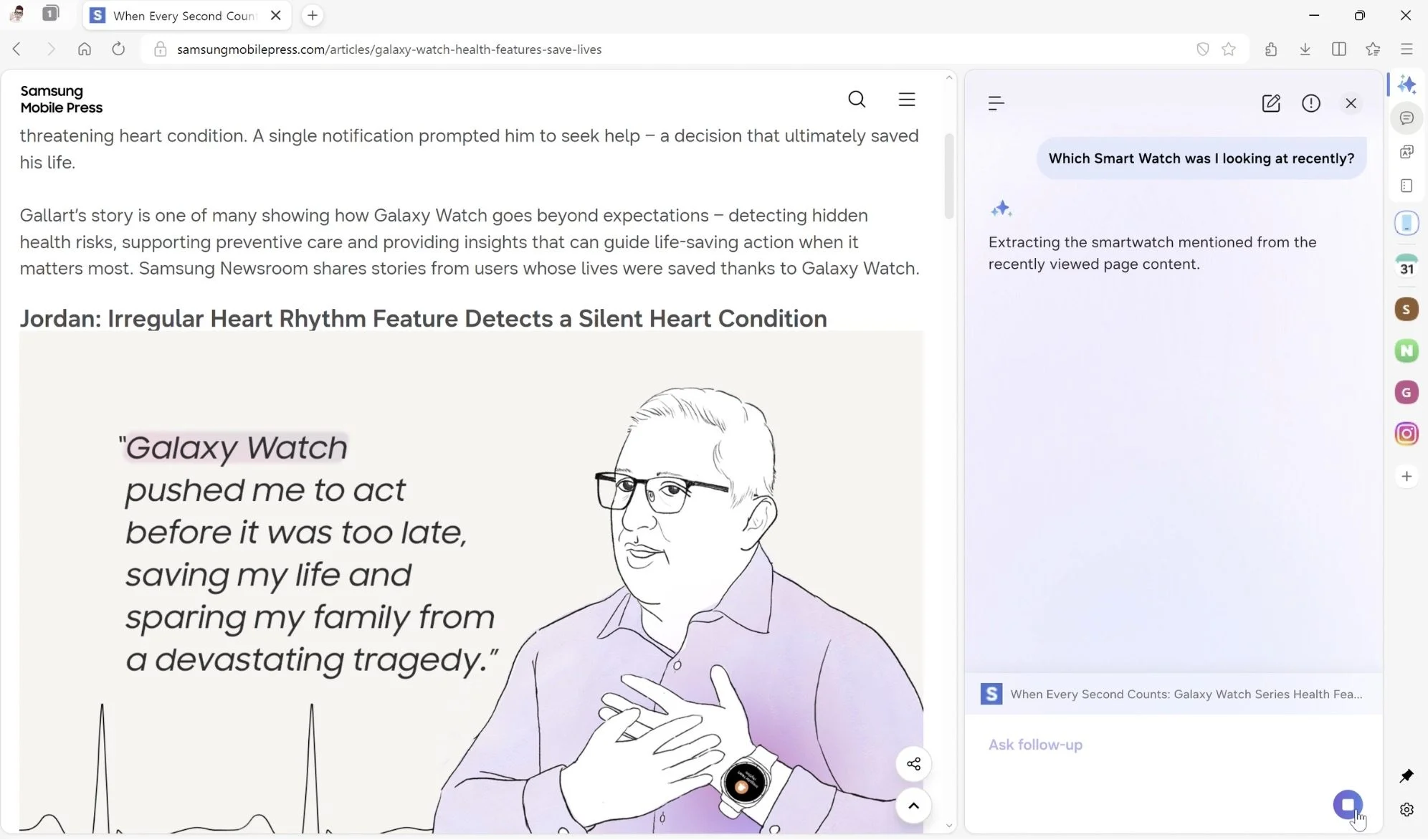
History search receives a substantial usability enhancement through natural language processing. Instead of relying on exact keyword matches or chronological browsing, you can use conversational queries like "find that smartwatch I was looking at last week" to retrieve previously visited pages with greater accuracy.
Perhaps the most practical implementation is the assistant's ability to operate across multiple tabs simultaneously. When comparing products, specifications, or pricing across different pages, the browser can aggregate and synthesize information from all open tabs, delivering consolidated comparisons without requiring manual tab switching.
Samsung Browser for Windows supports Windows 10 (version 1809 or later) and Windows 11 systems. The AI functionality is initially available to users in South Korea and the United States, with additional regional rollouts planned for the near future.